Waterfalls Shoot Planner and Rain Checks
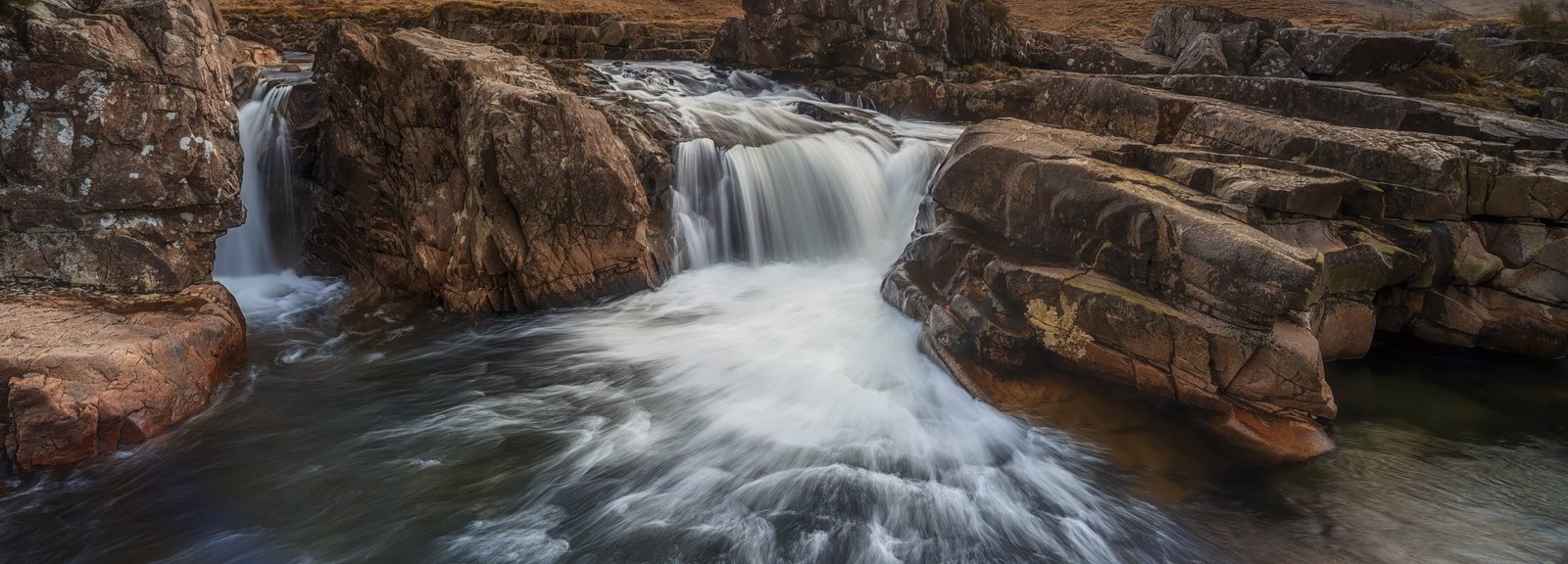
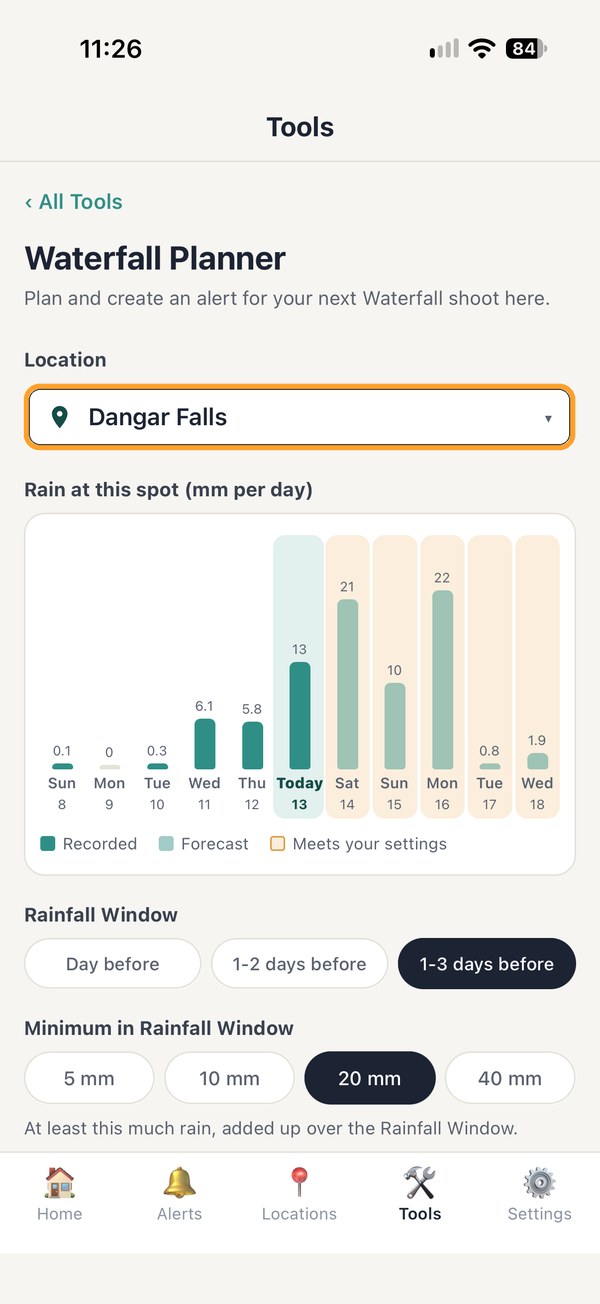
Photographers all know that waterfalls tend to look their best a day or two after good rain, and keeping track of how much has fallen at each spot has always been a challenge. Not any more. PhotoWatch now records rain that has actually fallen at your locations and adds it to the forecast, so it can alert you when your favourite falls should be flowing.
Timer and ND are now one tool, and anyone new to the app gets a helping hand to set up their first alert.
- New Waterfall Planner: create waterfall alerts based on recent and forecast rain at your waterfall locations Pro
- New Recent Rain condition: get an alert after good rain at your waterfall spots Pro
- Stopwatch, Countdown and ND Exposure tools are now located in one place: Timer & ND
- New help to set up your first alert, with a brief guided tour
- Home screen now shows when no alerts are active or your notifications are turned off
- Tide Planner fine tuning for more accuracy
- Small fixes and polish
Plan the trip, not the time zones
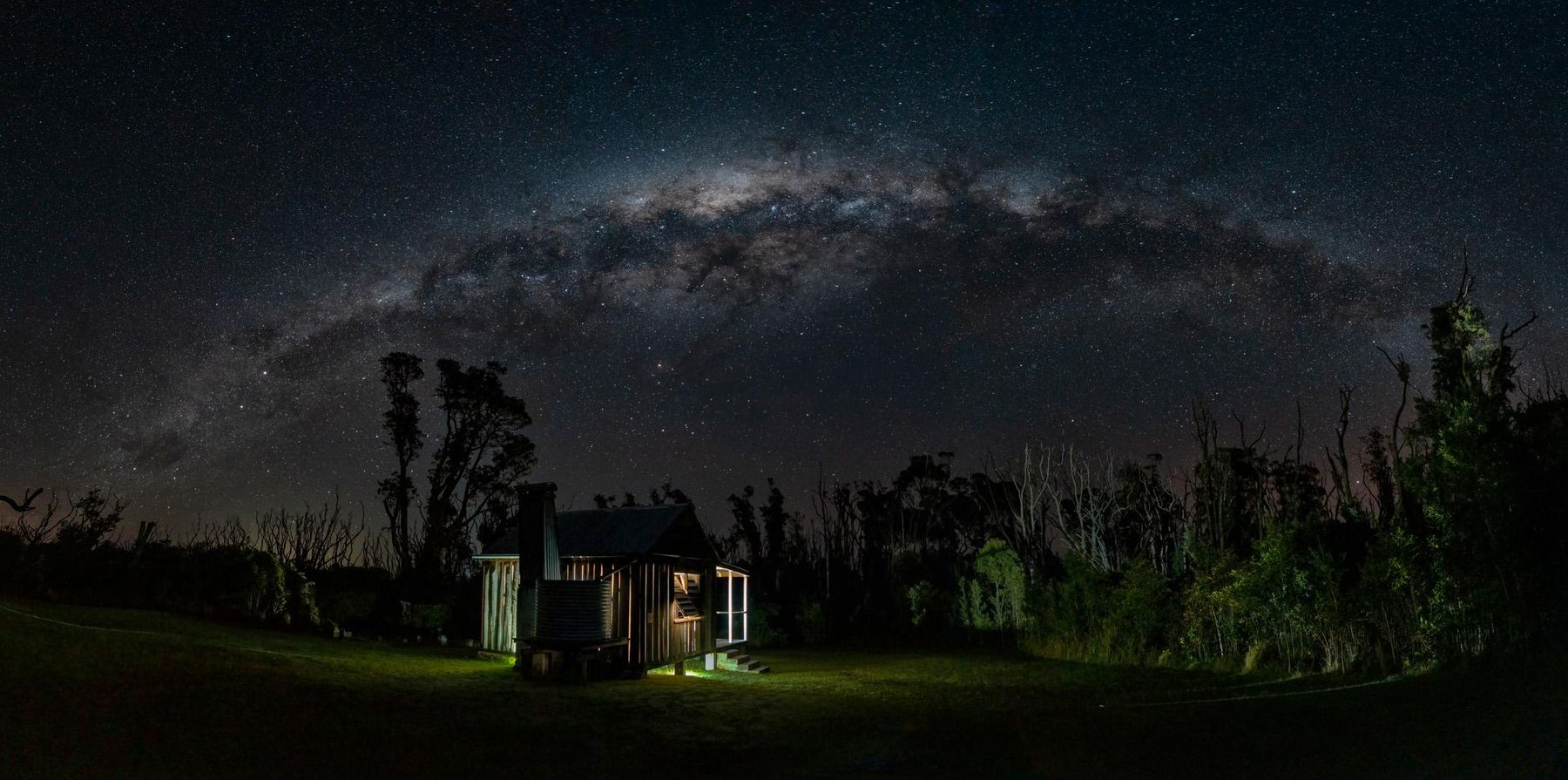
Heading on a trip somewhere? The planners now show each spot in its own local time zone, so lining up a Milky Way night in Utah from your couch in Sydney or London finally adds up. You also get a say over the built-in cloud and rain checks, plus a few other handy extras.
- Trip planning: the Astro and Tide Planners now show the location's own local time when it's in a different time zone
- New switch on each alert: Built-in cloud and rain checks Pro
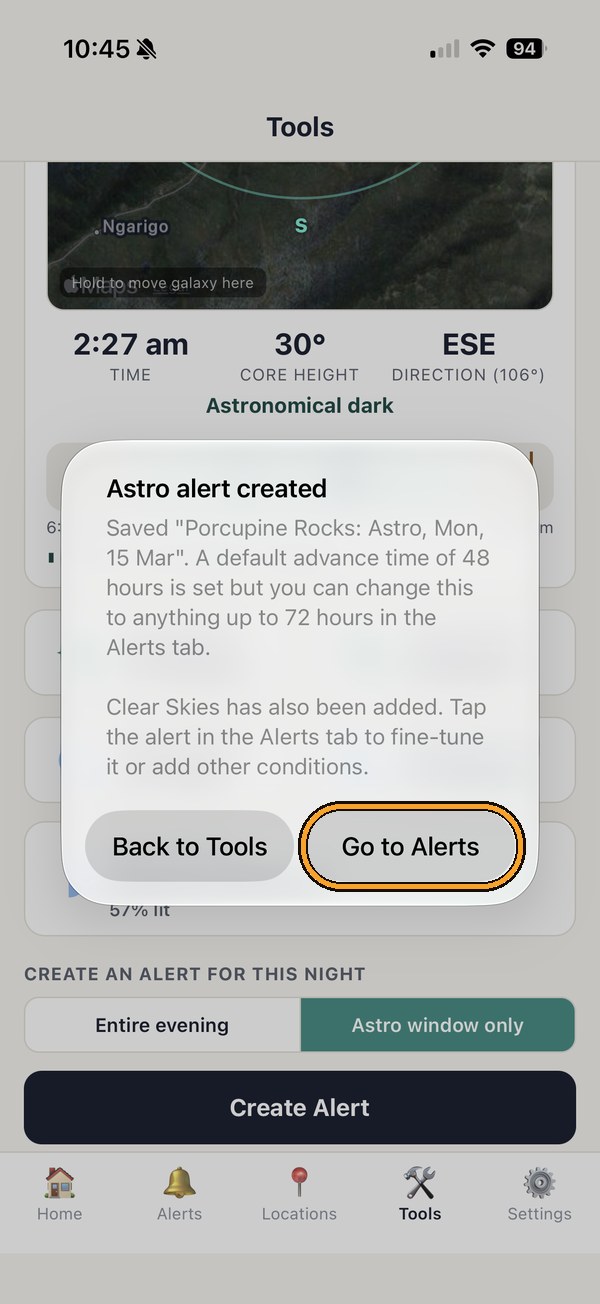
- Astro Planner alerts now include Clear Skies automatically
- Choose which maps app Take Me There opens
- Tap a landmark on the map and its name fills in for you iPhone
- A reminder to stop Android pausing your alerts Android
- Small fixes and polish

Quicker, clearer, tidier
Lots of high efficiency improvements with this update. Clear out batches of old alerts in one go, set up a single astro night in a couple of taps, improved alert scoring and thresholds.
- Batch delete several alerts at once: tap Edit on the Alerts tab
- Astro Planner: simpler one-night alerts with automatic 48 hours' notice
- Clearer wording: every condition in an alert must be met
- Fog alert conditions added to Pro Pro
- Small fixes and extra polish

Fine-tune everything
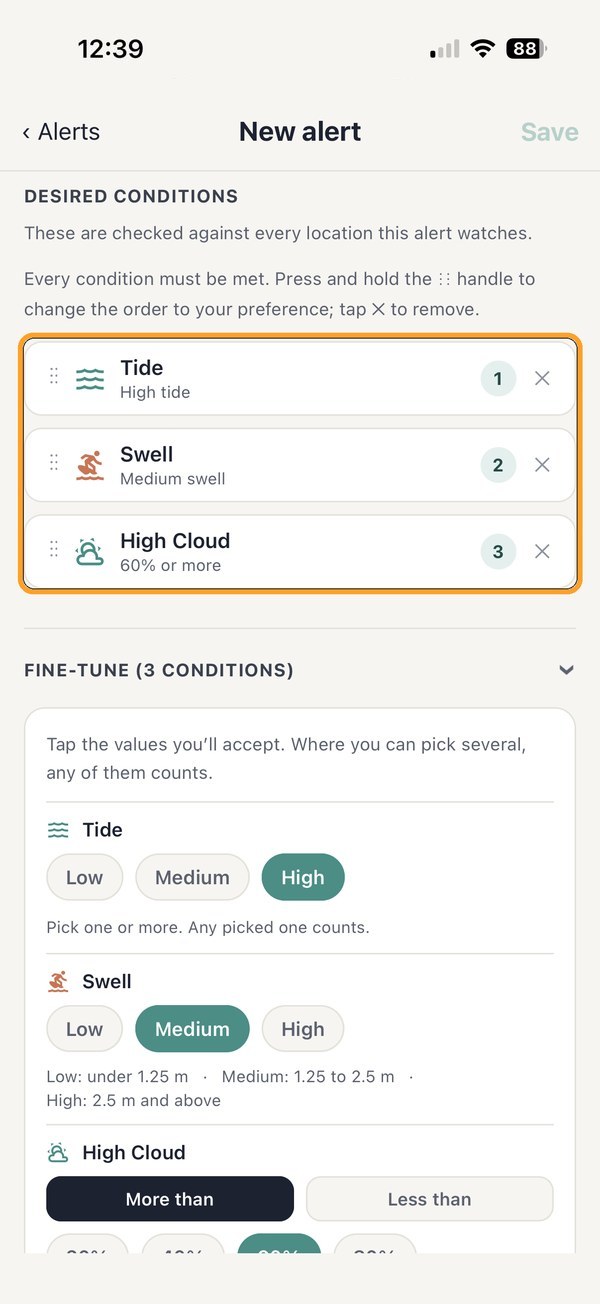
A major update. Every condition in an alert can now be fine-tuned, so “high cloud” becomes “the level of high cloud you are looking for”. Your sky, your call. Getting around the app got a little smoother too.
- Fine-tune each condition, for example High Cloud more than 40% Pro
- A tidier alert editor, with Notification Advance Time near the top
- Swipe left or right to move between tabs
- Lots of other small fixes and polish
A quick one for Android
This one is for our friends on Android to assist with navigation.
- Fixes the menu bar being hidden behind the phone's buttons on some Android phones, including many Samsung models
- Small layout improvements at the bottom of the screen
New Features
Our first update after launch. Sturdier backups, a new About page, and a friendly nudge whenever there's a new version to download.
- New About PhotoWatch page in Settings, showing your app version
- A heads-up when an update is available
- Backup and restore made more reliable when you sign in or change phones Pro
- Switch your Home location and the conditions update by themselves, including tides and swell
- One-night astro alerts now show their date
- The Home location list now scrolls
- Fewer permissions: no microphone or storage access
- Lots of small fixes and polish
Where it all began
PhotoWatch launches: the set and forget conditions app, made by a photographer for photographers.
- Save your favourite shooting locations and create alerts for the conditions you want
- Get notifications straight to your phone when conditions are lining up
- A handy set of tools for shooting and planning ahead
Simple. Powerful. Go get the shot!